Tickets
Last updated: October 23, 2026
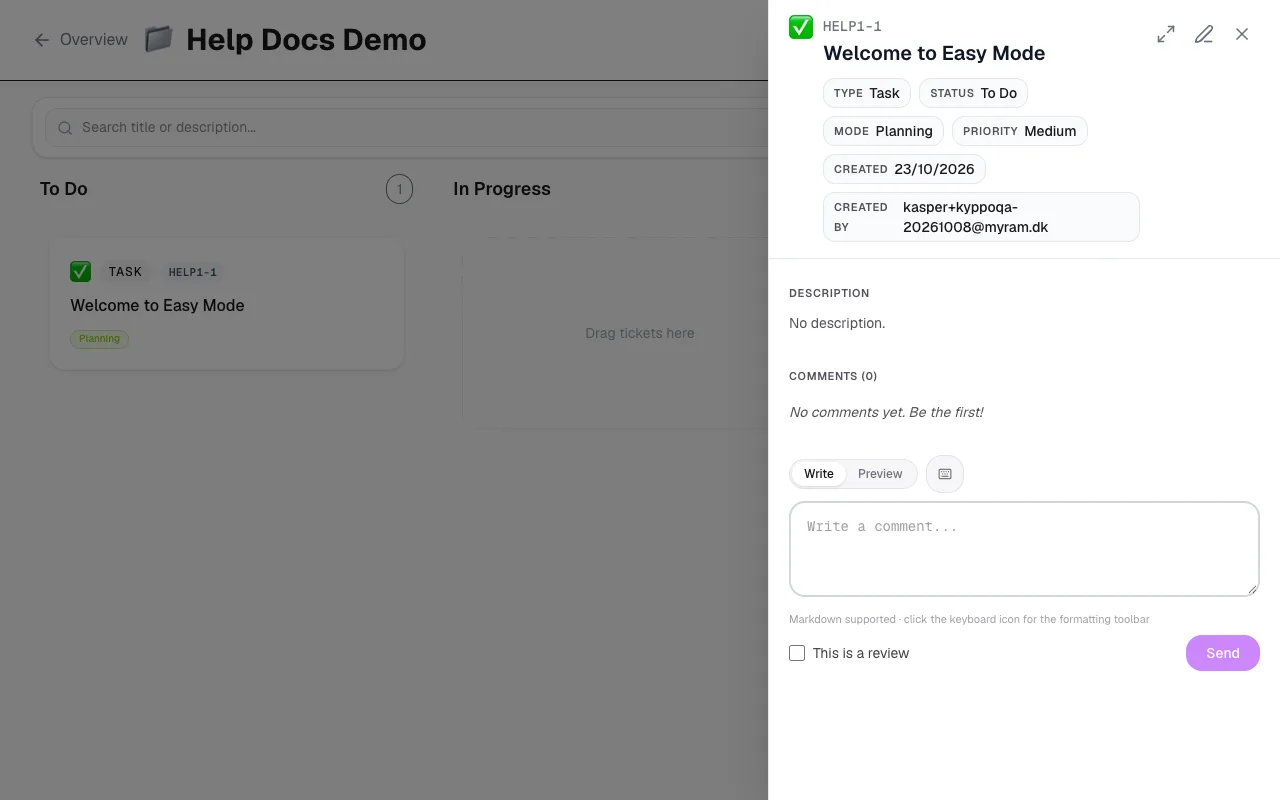
A ticket is the shared work order. Whether a person, an agent or a bot does the work, it lives here — status, comments and history in the same place.
Types and keys
- Epic: A larger slice of work that groups stories, tasks and bugs. Shows progress rollups and can use an epic icon.
- Story: A user-facing or product-shaped piece of work.
- Task: Concrete work that needs doing.
- Bug: Something broken or wrong that needs fixing.
Each ticket gets a key like HANDLE-N (for example PROJ-42), built from the project handle and a number. You can also open a ticket with a short link under /tid/… when you share a direct address.
Create and edit
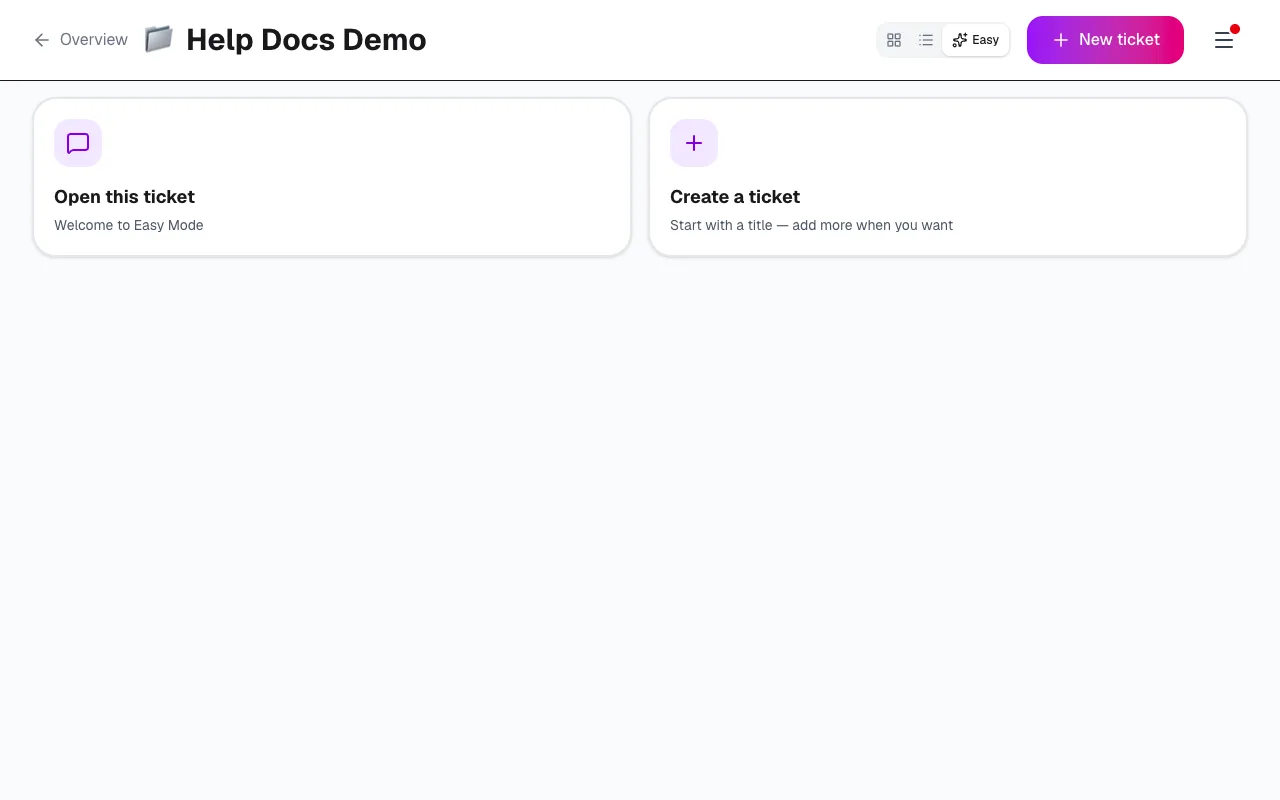
Create tickets from the board in any view. Open the edit page for the full form: title, Markdown description, status, mode, priority, assignee, due date, story points, hours, labels, acceptance criteria, blockers and (for epics) an epic icon.
Status, mode and custom modes
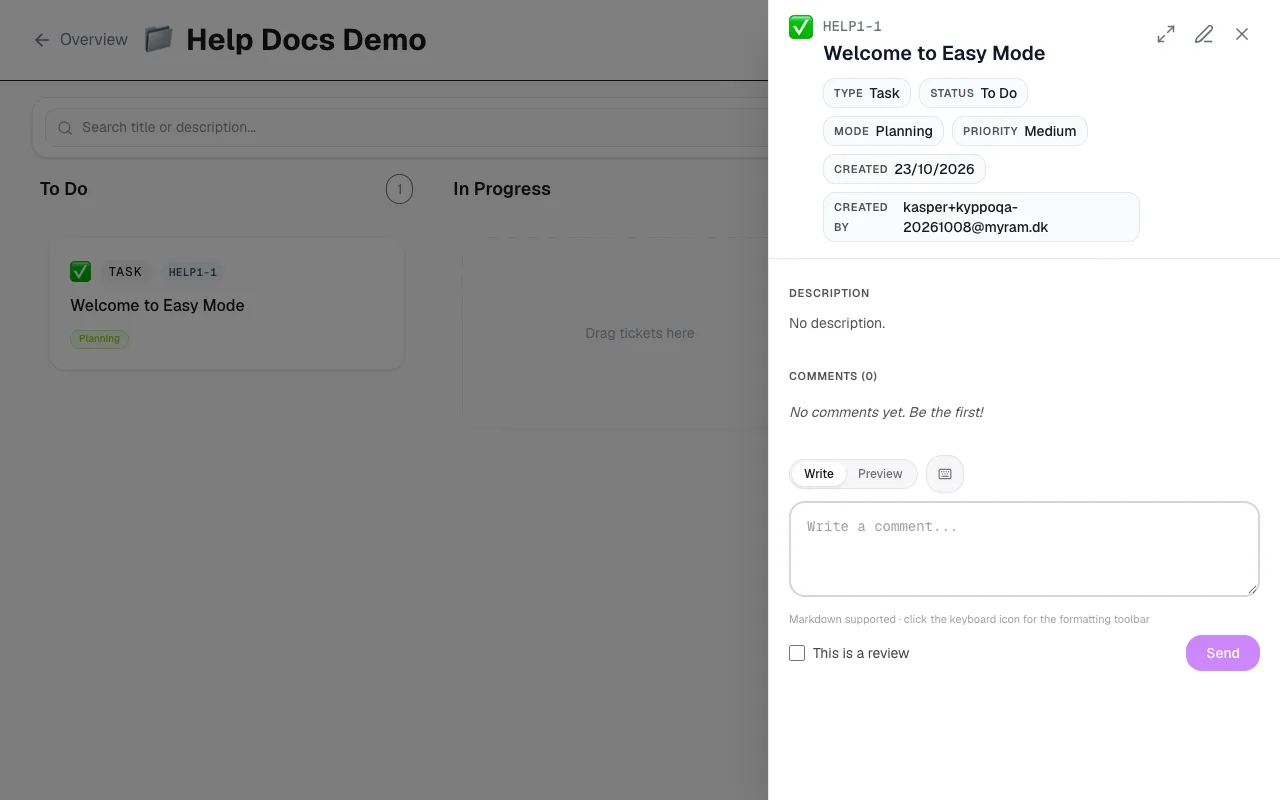
Status and mode work together. Status is where the ticket sits in the flow (for example to do, in progress, done). Mode adds nuance — including Draft for work that is not ready for the board yet. Projects can define custom modes when the built-in set is not enough.
Epics, blockers and attachments
- Epics: Link child tickets under an epic. Rollups show progress across points, hours and completion.
- Blockers: Mark what this ticket blocks, and what blocks it — so the board shows why something is stuck.
- Attachments: Add files on the ticket so design, specs and screenshots travel with the work.
Comments, reviews and drafts
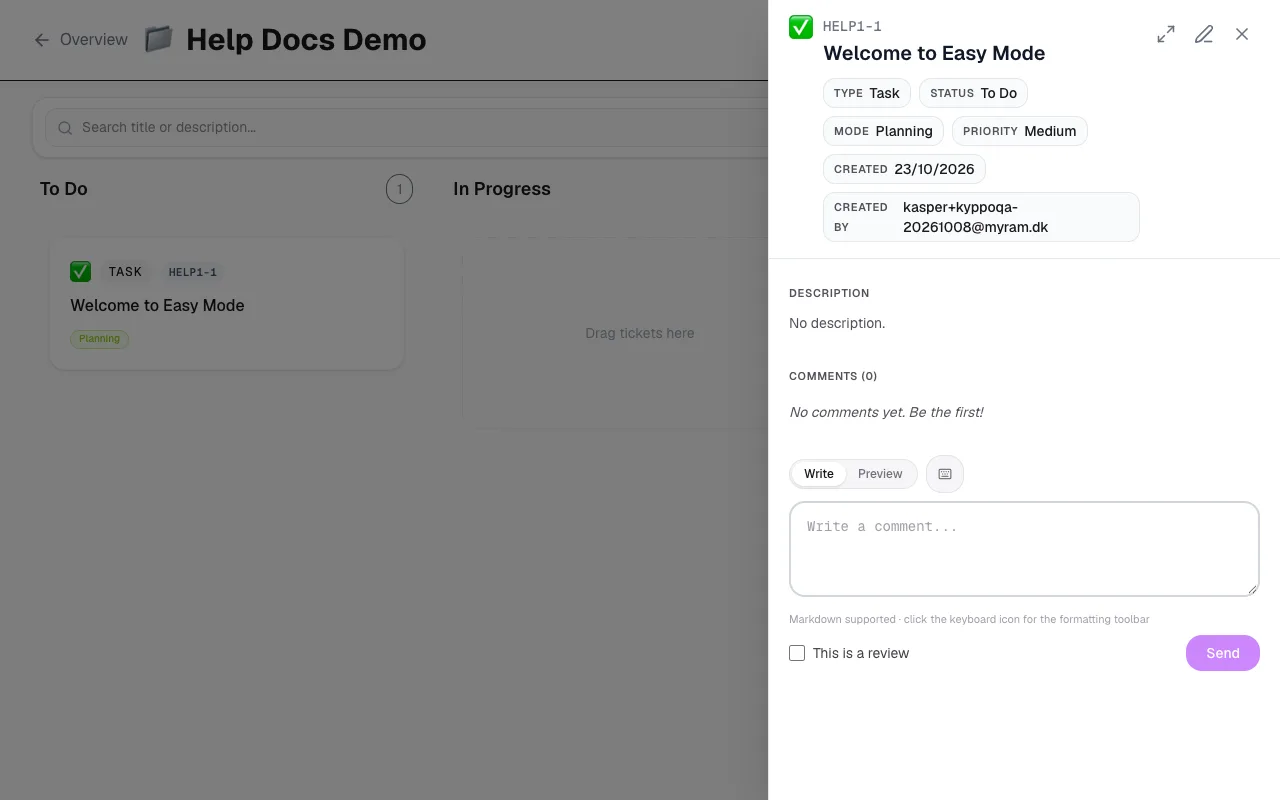
Comments are the conversation on the ticket. Mark a comment as a review when you want a clear review badge — useful for design or code feedback that should stand out. Drafts stay out of the main board until you promote them; you can delete a draft you no longer need.
Archive
When work is finished, archive the ticket with Accept or Reject and a short note. Accepted means the work is worth keeping in history. Rejected still archives — the work may have been unnecessary, superseded, or an experiment that failed. Archived tickets are read-only.