Billing
Last updated: October 23, 2026
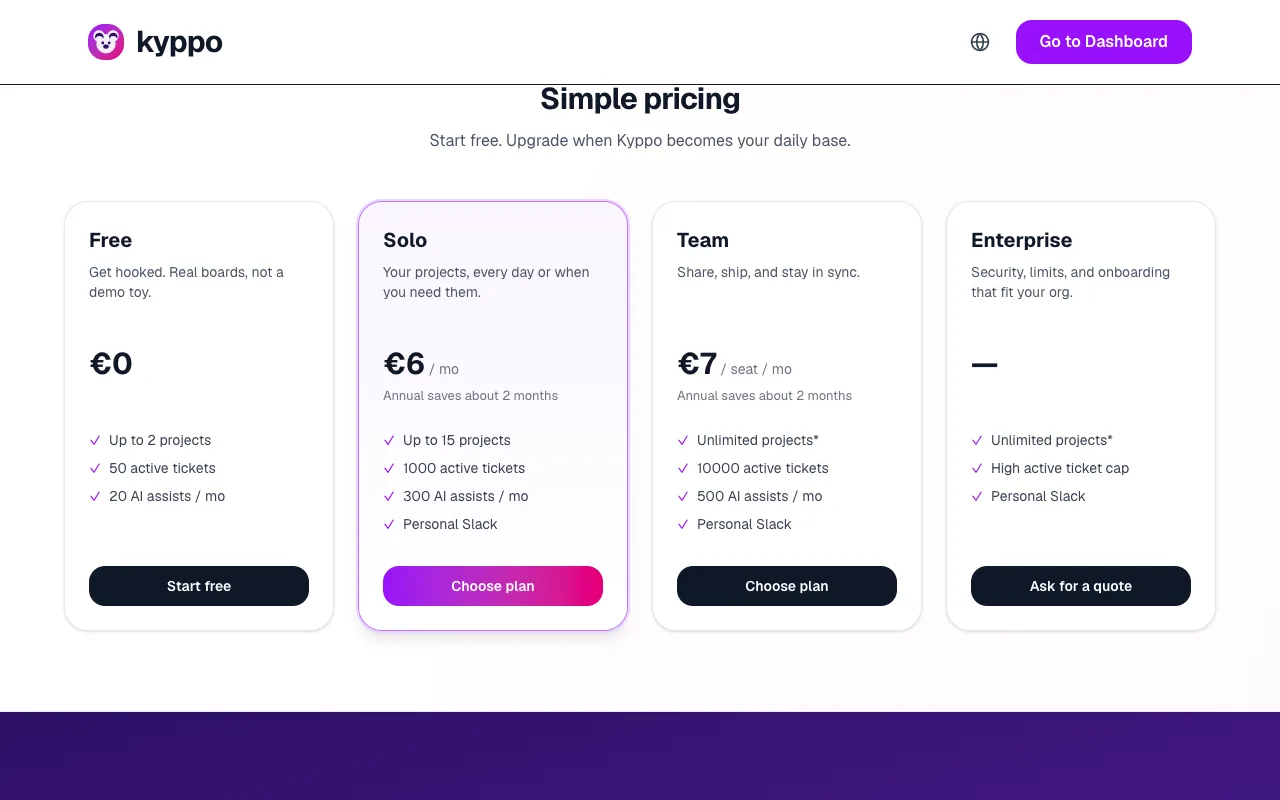
Plans are simple: start free, grow when the board and the team need more room. Everything about usage and upgrades lives on /billing.
Plans
- Free: Enough to get hooked — a couple of projects, a modest ticket and AI allowance, in-app notifications.
- Solo: Your projects, higher limits, and external alerts (email and Slack).
- Team: Share and ship with seats — more projects, tickets, AI and storage per seat.
- Enterprise: Security, custom limits and a quote — Ask for a quote from the billing page.
Meters on /billing
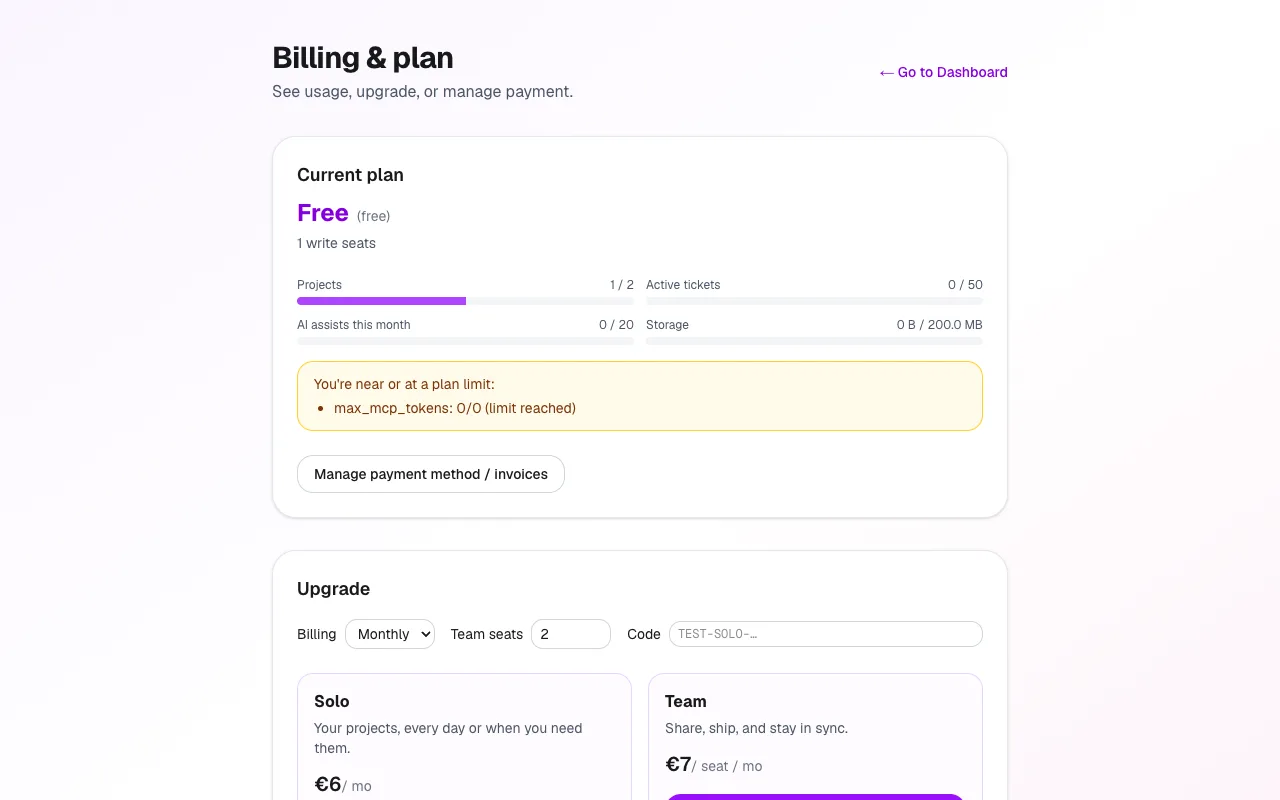
The billing page shows how close you are to each limit:
- Projects: How many projects you own or can create under the plan.
- Active tickets: Tickets that are not yet approved or archived — the living backlog.
- AI assists this month: Successful drafts and summaries. Resets each month.
- Storage: Files attached to tickets across your work.
Upgrade and manage payment
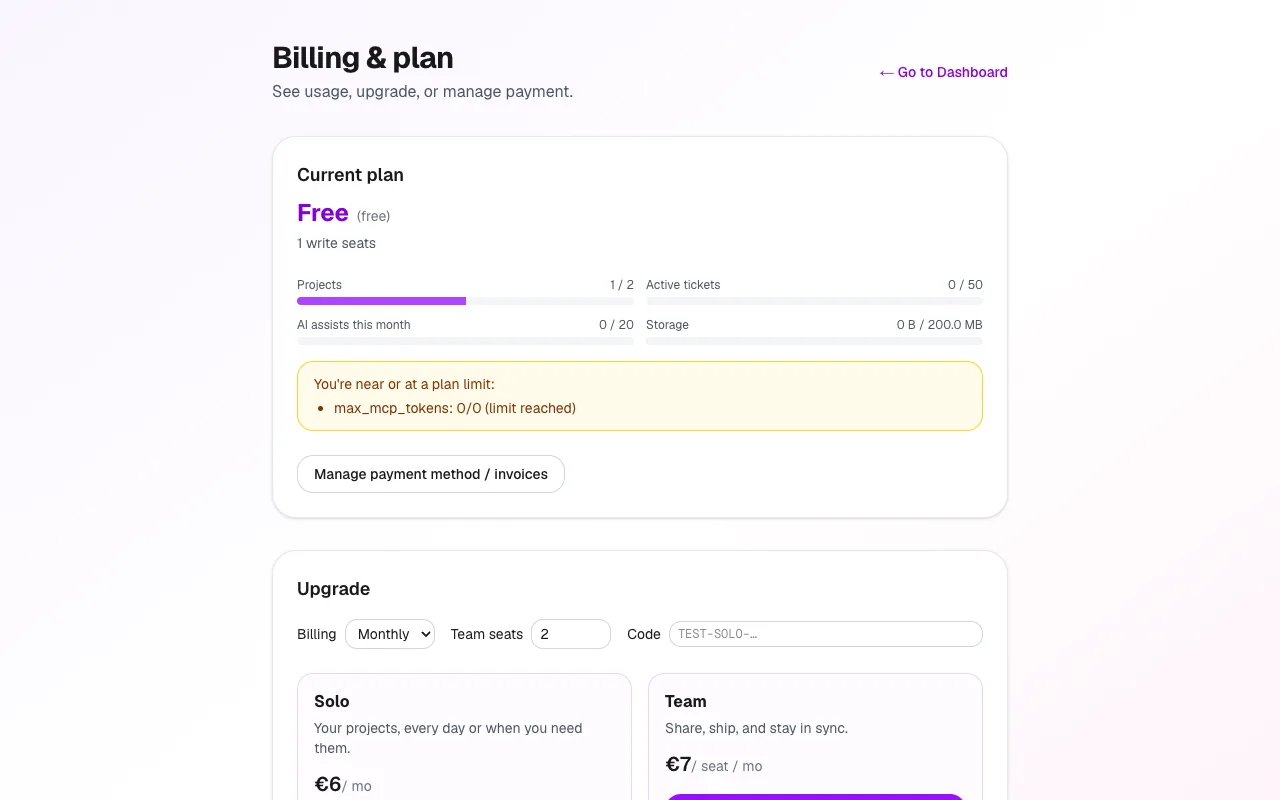
Upgrade opens Stripe Checkout — choose monthly or annual, seats for Team, and a discount code if you have one. After you pay, entitlements update for the new plan.
Manage payment method / invoices opens the Stripe customer portal: cards, invoices and cancellation stay with Stripe, not a custom form in Kyppo.
Soft nags and hard blocks
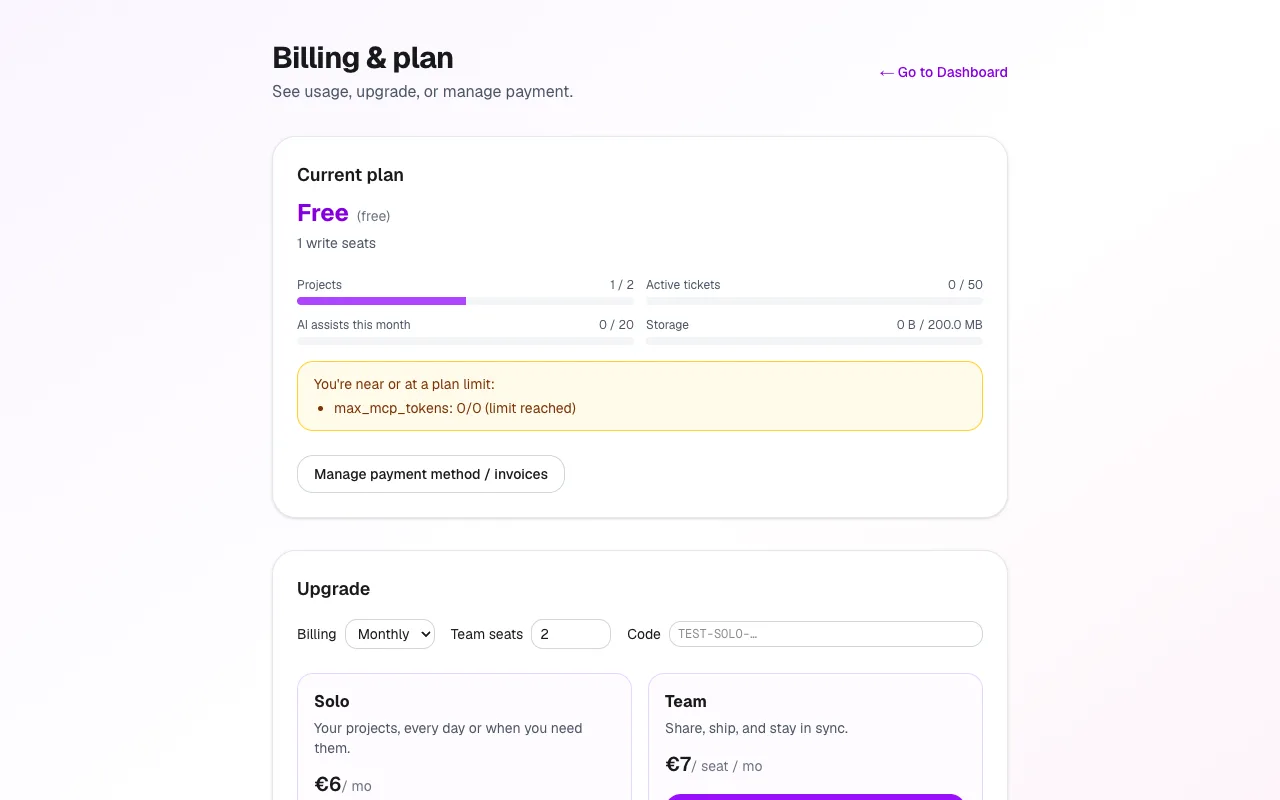
Near a limit (around 80%), you see a calm amber note that you are close. At or over the limit, creating a project, ticket or AI assist can be blocked until you free capacity or upgrade. That is intentional — better a clear stop than silent overage.
Email and Slack entitlements
Paid plans unlock external notifications: personal email and personal Slack on Profile. Free keeps the in-app inbox only. See Notifications and Slack for how to turn those channels on.