Notifications
Last updated: October 23, 2026
Kyppo keeps alerts in one inbox so you can catch up when you are ready. On a paid plan you can also get the same kinds of alerts by email or Slack.
Your inbox
Open /profile/notifications — or tap the bell in the nav. The inbox groups unread items by day, with a separate list for anything you saved for later.
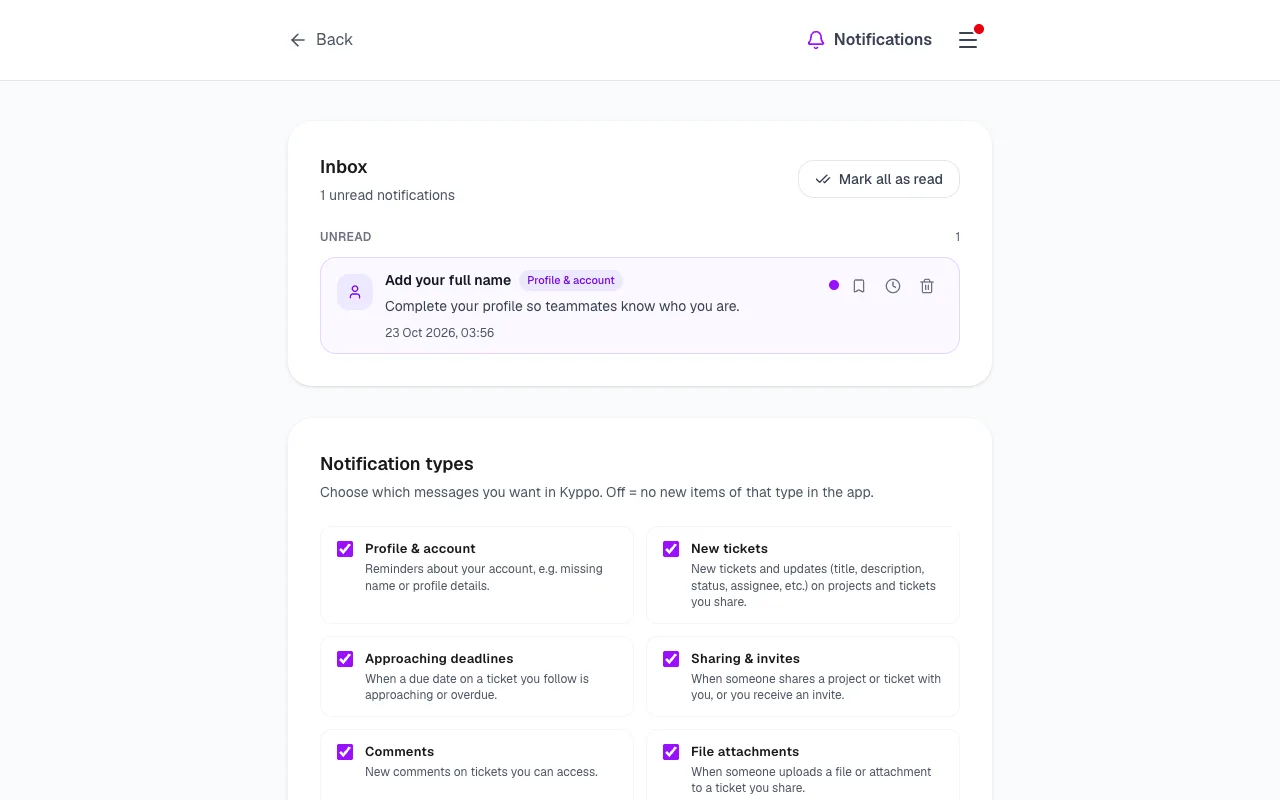
- Mark all as read: Clear the unread badge in one go when you have caught up.
- Open: Marks the item read and takes you to the related ticket or page. Use Back to return to the inbox.
- Save for later: Pins the item under Saved for later until you remove it from saved.
- Remind me in 1 hour: Snoozes the item. When the hour is up it returns near the top of unread with a Reminder badge.
- Remove: Deletes that notification from your inbox.
What you can follow
Under Notification types on the same page, choose which categories create new in-app items. Turn a type off and you stop getting new inbox entries of that kind.
- Profile & account: Gentle account reminders, such as a missing name.
- New tickets: New tickets and updates on shared work.
- Approaching deadlines: Due soon or overdue.
- Sharing & invites: Shares and invitations.
- Comments: New comments on work you follow.
- File attachments: Files added to tickets.
In the app, email and Slack
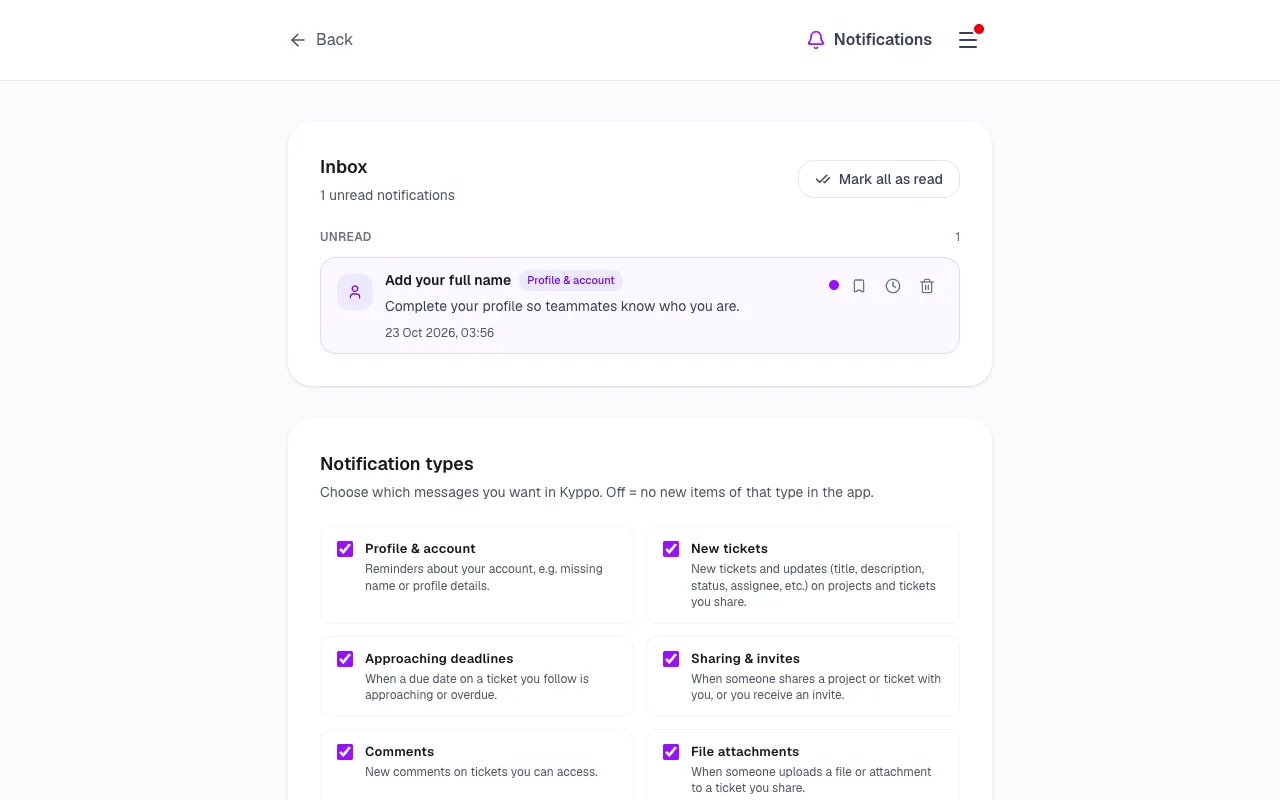
Everyone gets the in-app inbox. Email and Slack are extra channels on paid plans (Solo, Team or Enterprise). Set them on Profile under Notifications.
- In the app: Always available — the bell and /profile/notifications.
- Email: Short messages when something lands in your inbox. Respects your category choices. Off by default; turn on when you want mail.
- Slack: Your personal Incoming Webhook on Profile — alerts for you, not the whole team channel. See Slack help for setup.
On Free you keep the inbox; external channels show a lock and a link to /billing. Invite and account emails are separate — those are not gated the same way. Changes made by agents or bots stay in-app only (no email or Slack flood).
Unsubscribe from email
Every notification email includes Unsubscribe from email notifications. That opens /unsubscribe with a secure token — one click, no login. We turn email notifications off; invites and account mail may still arrive.
To get notification emails again later: Profile → Notifications → turn Email on (paid plan required).