AI helpers
Last updated: October 23, 2026
AI in Kyppo is there to save typing — not to replace your judgment. You pitch or ask; you approve what goes on the ticket. Usage counts against a monthly assist quota on your plan.
Draft a description in Easy Mode
When you create a ticket in Easy Mode, add a title, then choose Write description with AI. Give a short pitch (at least a sentence), send it, and wait while the draft appears.
Pitch
Describe the work in plain language — who it is for, what should happen, any constraints you already know.
Draft
Kyppo writes a description you can read. If it missed the point, choose improve and add a short note.
Approve
Approve and create when the text is good enough. You stay in control of what lands on the ticket.
One-line summaries on cards
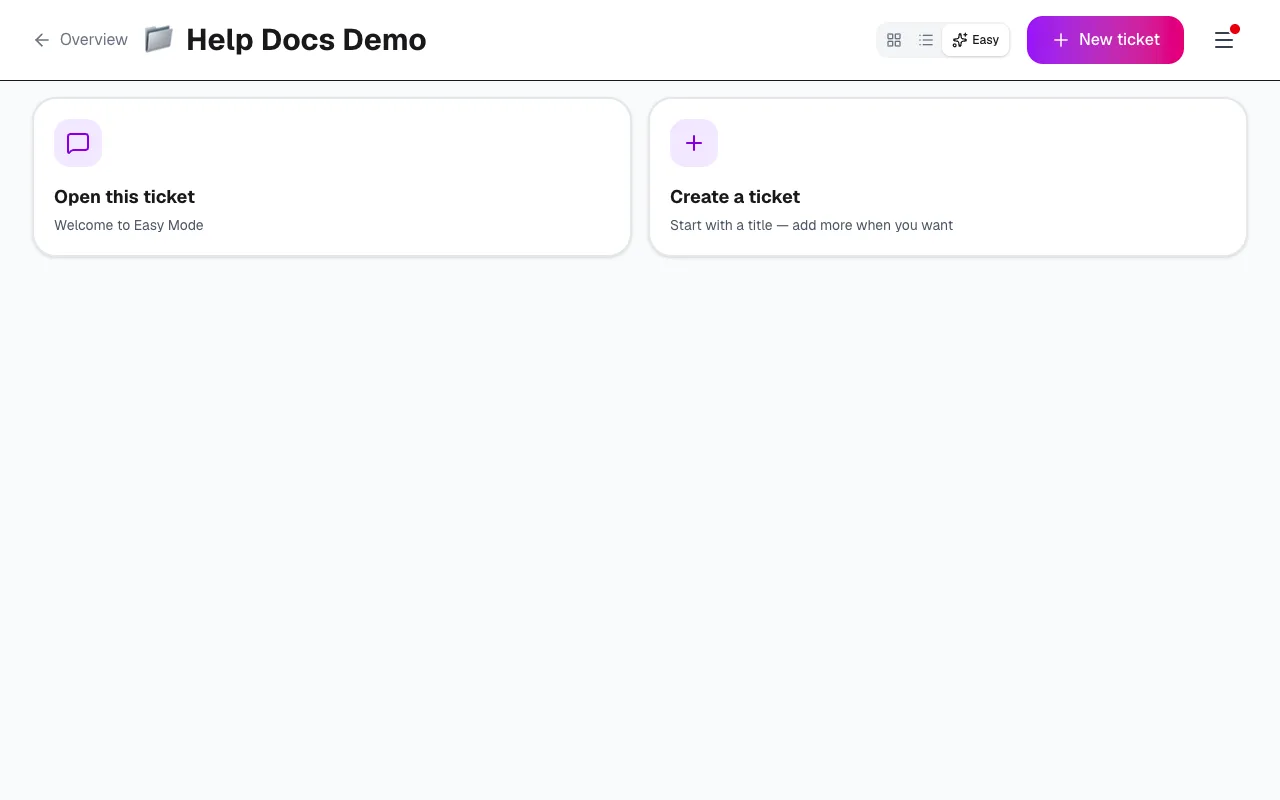
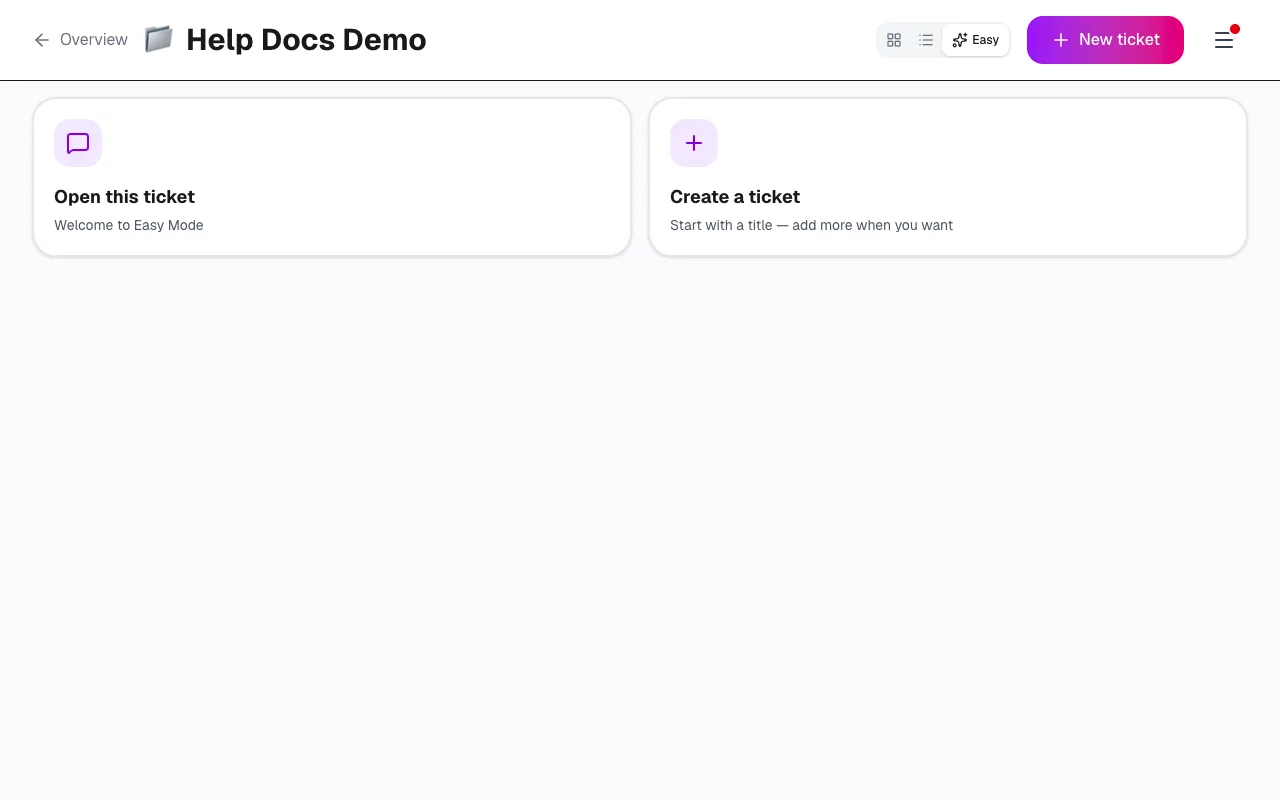
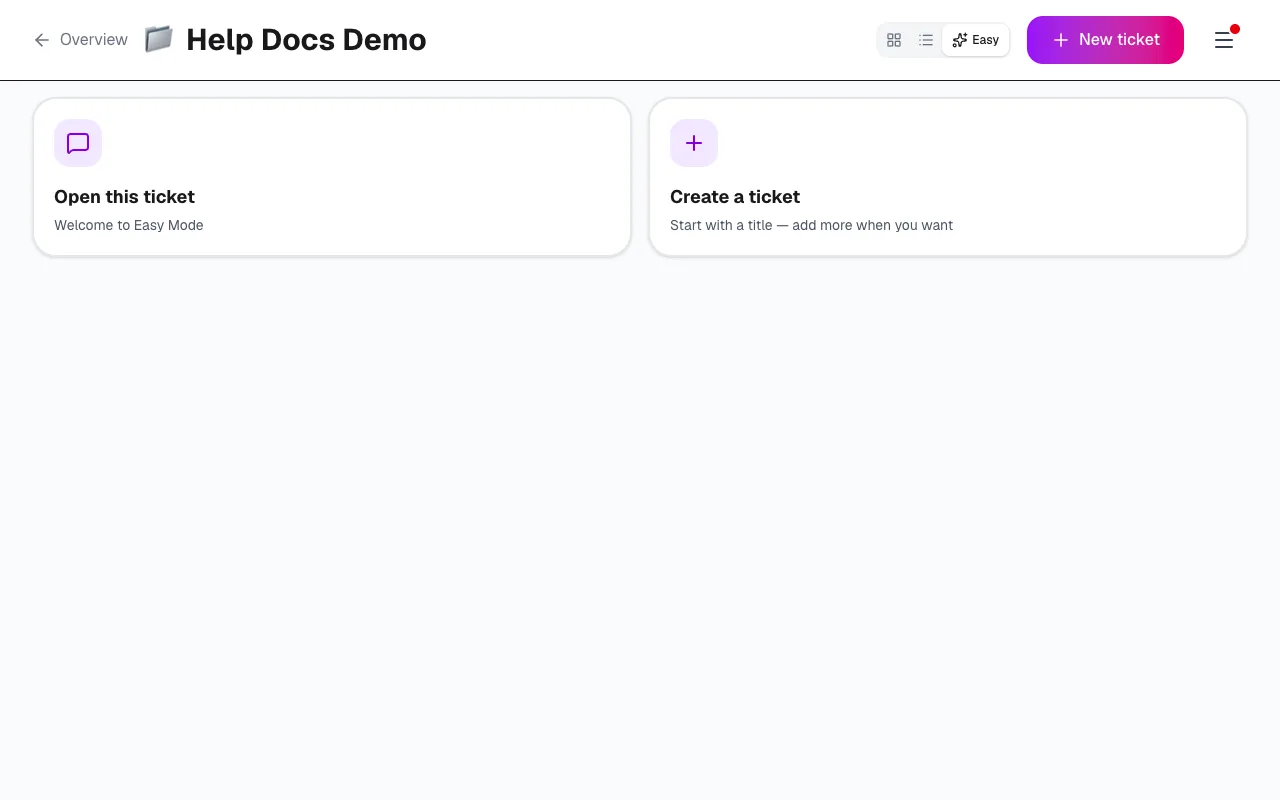
Boards can show a short summary under the title in Easy, List and Kanban. Summaries are created when you ask — Fill missing on the board, or Generate summary on a card — not automatically every time you open a ticket.
The summary is based on the description and acceptance criteria. If you change those, the next time you ask for a summary Kyppo can regenerate a fresh line so the card stays in sync.
Monthly AI quota
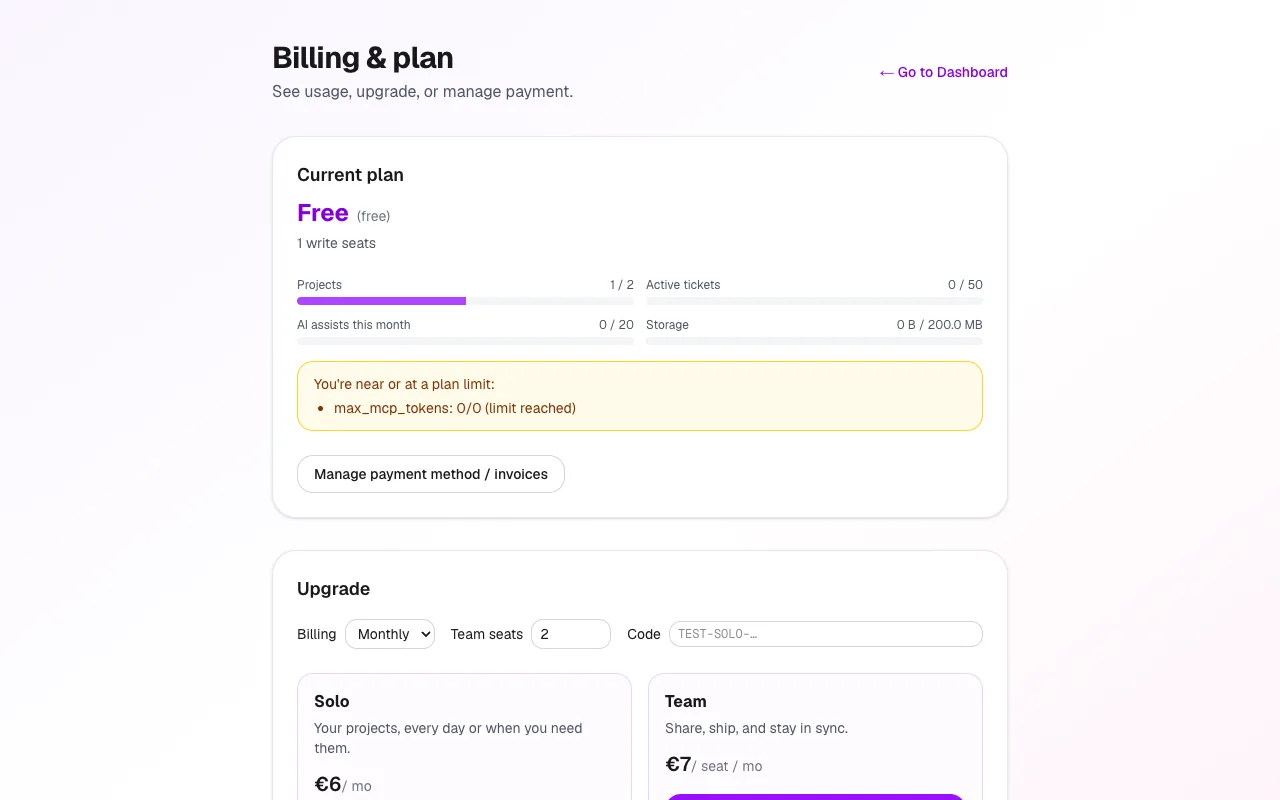
Successful drafts and summaries count as AI assists this month. Watch the meter on /billing. Free includes a small allowance; Solo and Team raise it; Enterprise is effectively unlimited for fair use.
If you hit the limit, new assists are blocked until the month resets or you upgrade. Failed attempts should not use up the quota.