Dashboard
Last updated: October 23, 2026
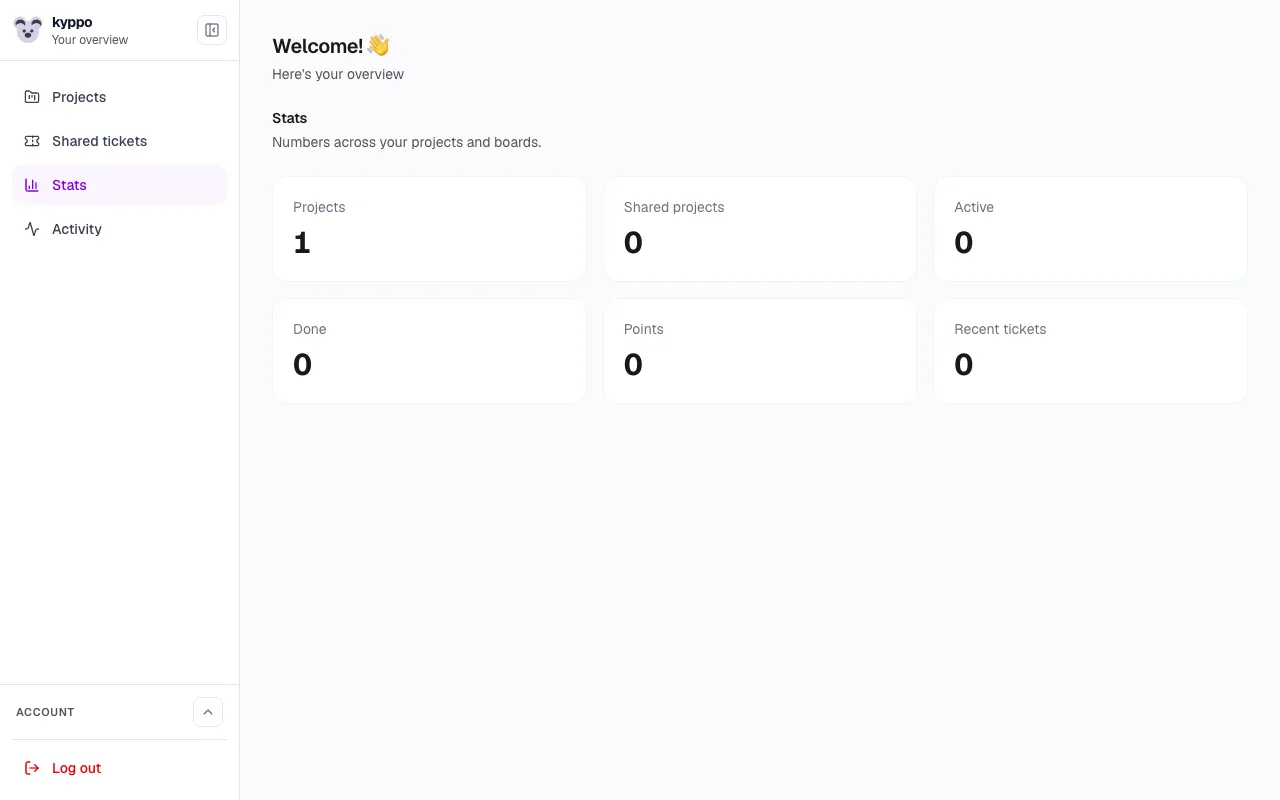
After you sign in, the dashboard is your overview. From here you open projects, jump to shared tickets, and see what is moving across your work.
Create a project
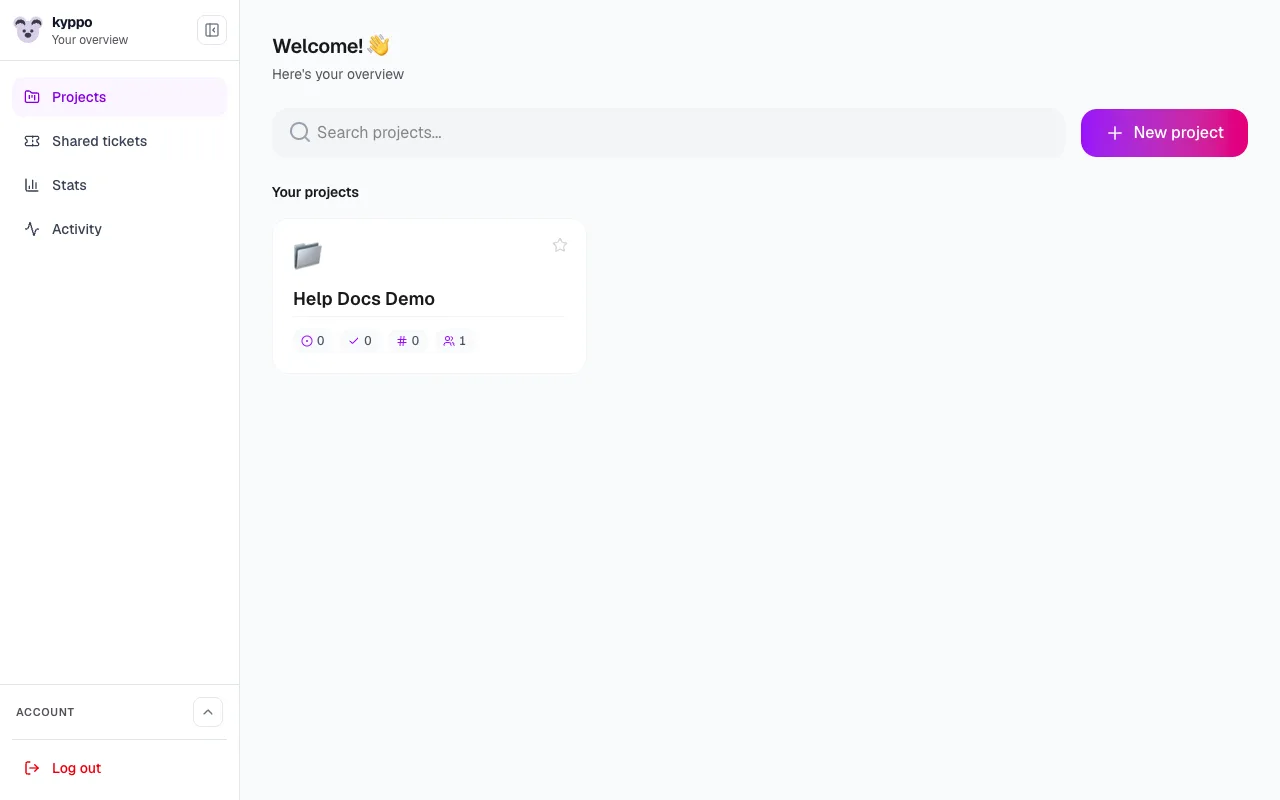
Start a project with a name and an optional icon (emoji works well). That project is the home for its tickets, labels and people.
Pin, star and reorder
Pin projects you use every day so they stay at the top. Drag pinned projects to reorder them. Star a selection of projects when you open several at once — that saves a favorite combination you can reopen later.
- Pinned projects: Quick access on the dashboard. You can pin a limited number and drag to reorder.
- Favorite combinations: Select projects, open them together, then star next to Open projects to save that combo with a name.
Search and multi-project boards
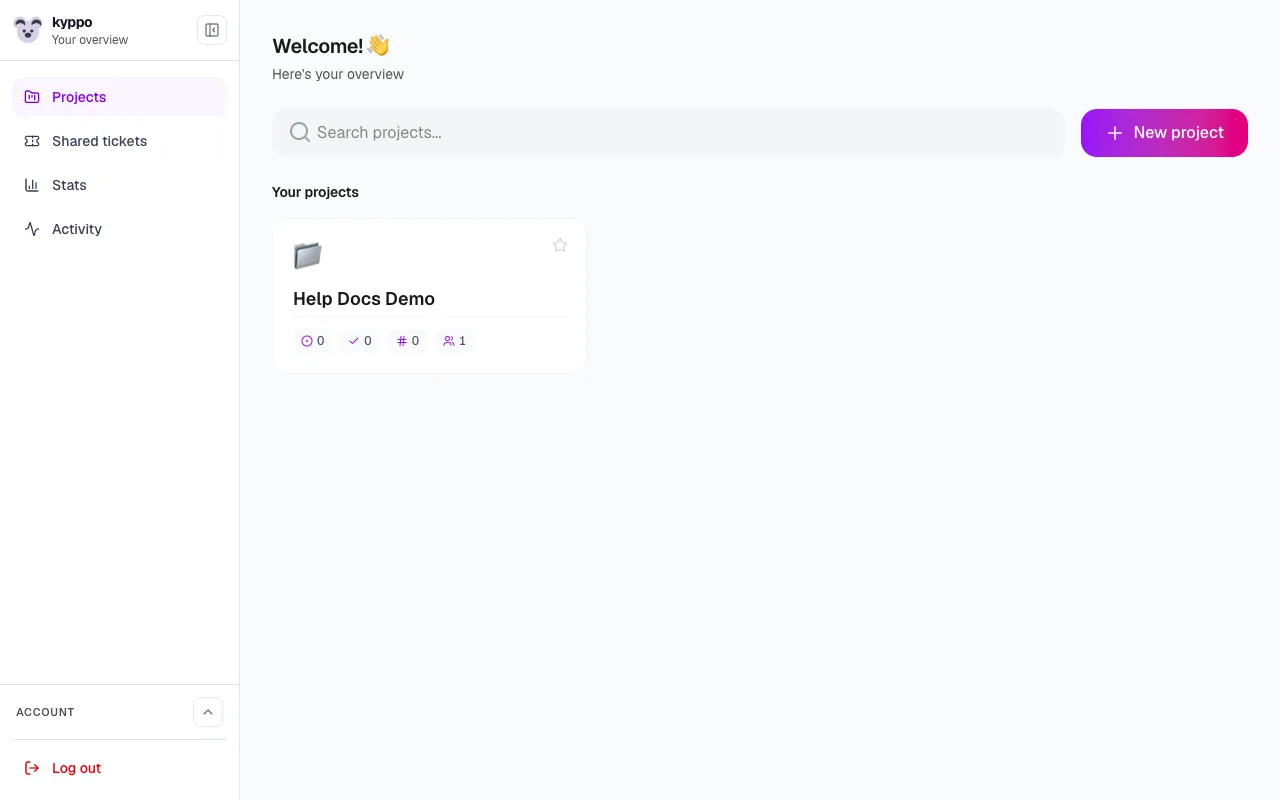
Use search to find projects by name. Select more than one project and open them as a single board when you need tickets from several spaces in one place.
Shared projects and shared tickets
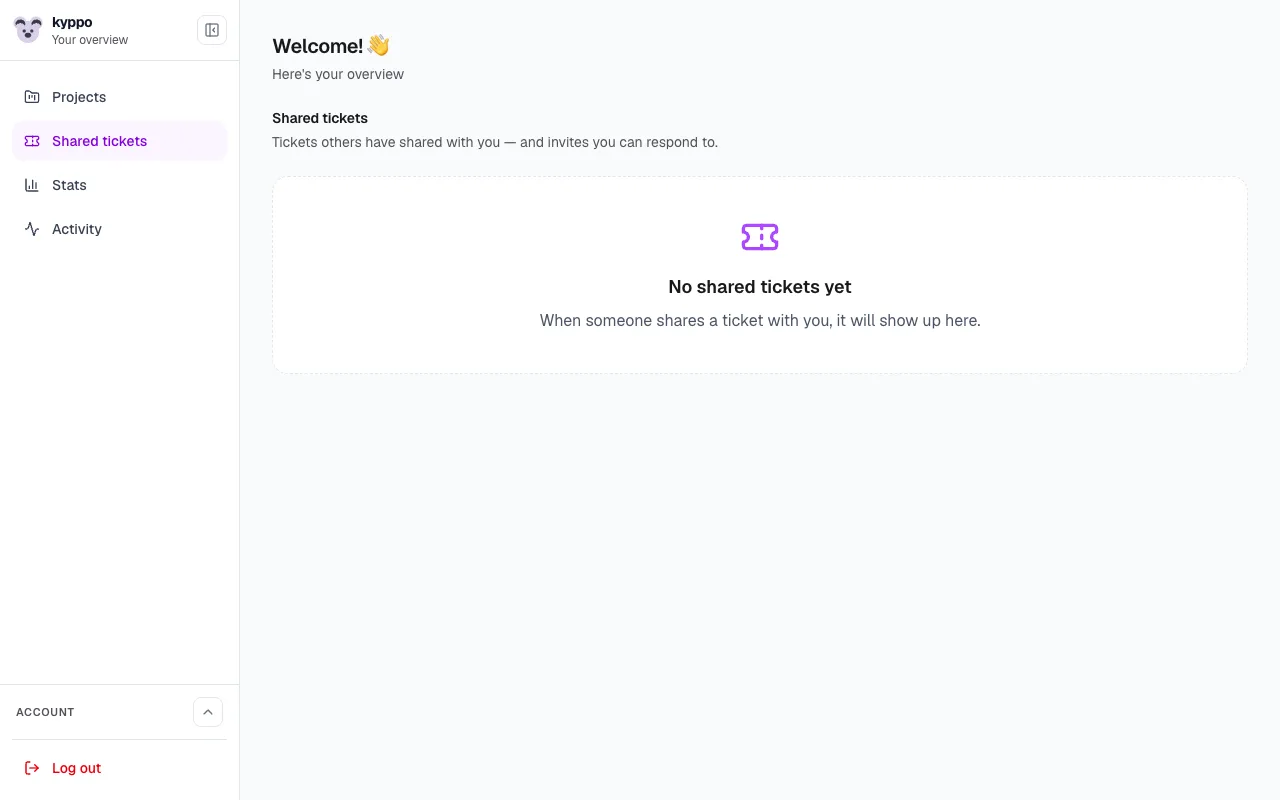
Projects others have invited you to appear alongside your own. Shared tickets — single tickets someone shared with you — show in their own panel, including invites you can accept or decline.
Stats, activity and sidebar
- Stats: Active and done tickets, points, people and shared projects across boards you can see.
- Activity: Recent tickets from your own projects — a quick pulse of what moved lately.
- Sidebar: Collapse it when you want more room; expand it when you need navigation and context.