Projects and access
Last updated: October 23, 2026
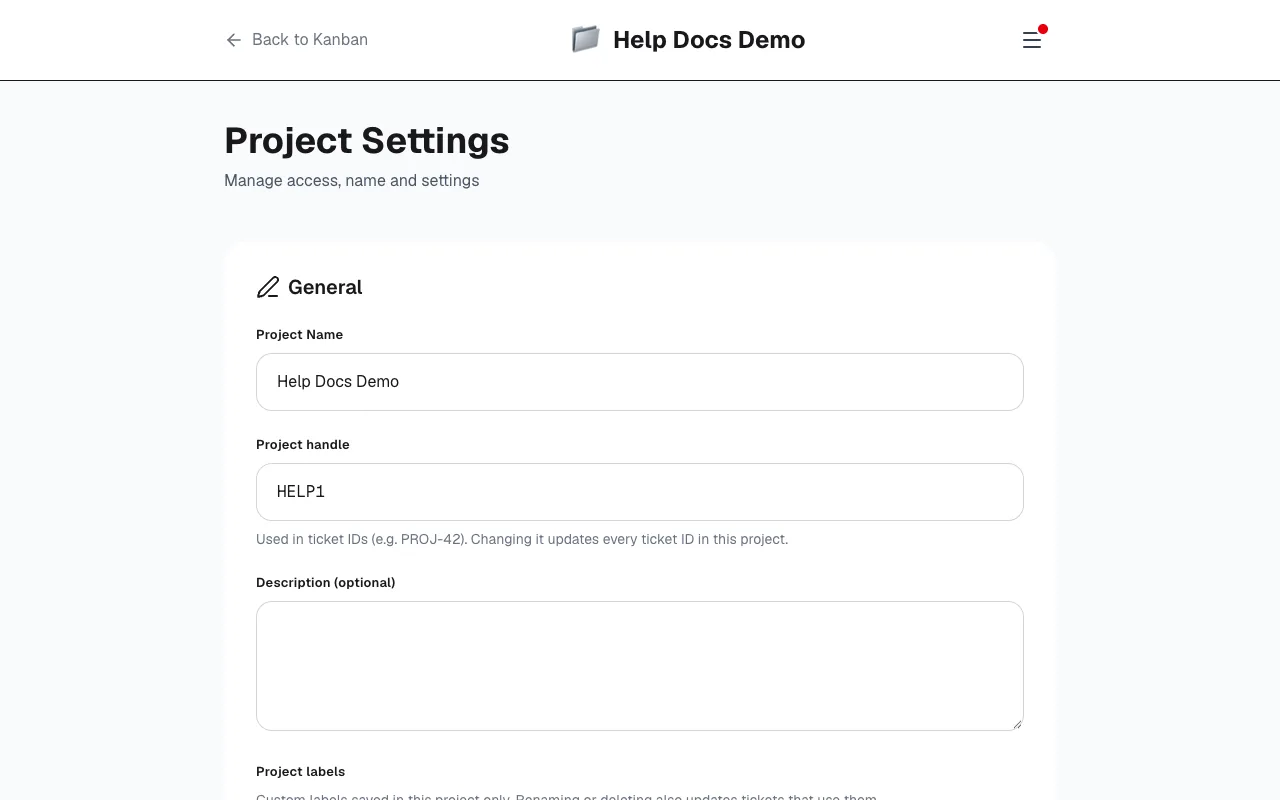
Every project has settings for name, handle, people and labels. Open them from the board when you need to invite someone or change how the project is identified.
Name, icon and handle
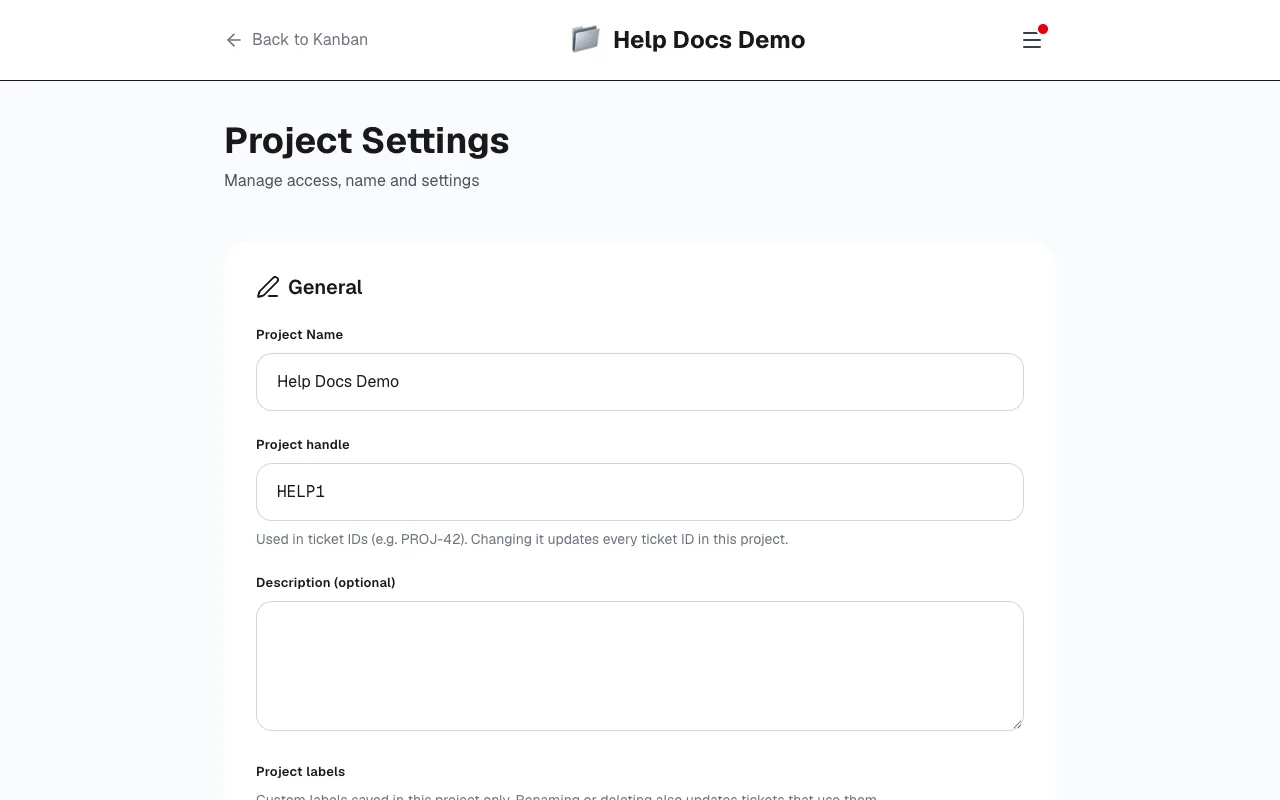
Set the project name and an optional icon. The project handle (key) is the short code used in ticket IDs — for example PROJ in PROJ-42. It must be 2–10 uppercase letters or digits. Changing the handle updates every ticket ID in that project, so pick something stable when you can.
Roles
- Owner: Full access, including deleting the project.
- Lead: Can invite others and manage the project (except deletion).
- Member: Can edit tickets, move them and comment.
- Guest: Can read and comment on tickets.
Invite by email
Invite people with an email address. Choose the role and send. The invitation link is valid for 14 days. Pending invites stay visible until they accept, decline or you revoke them. New users land on the invitation after confirming their account; people who already use Kyppo get an email as well.
Labels
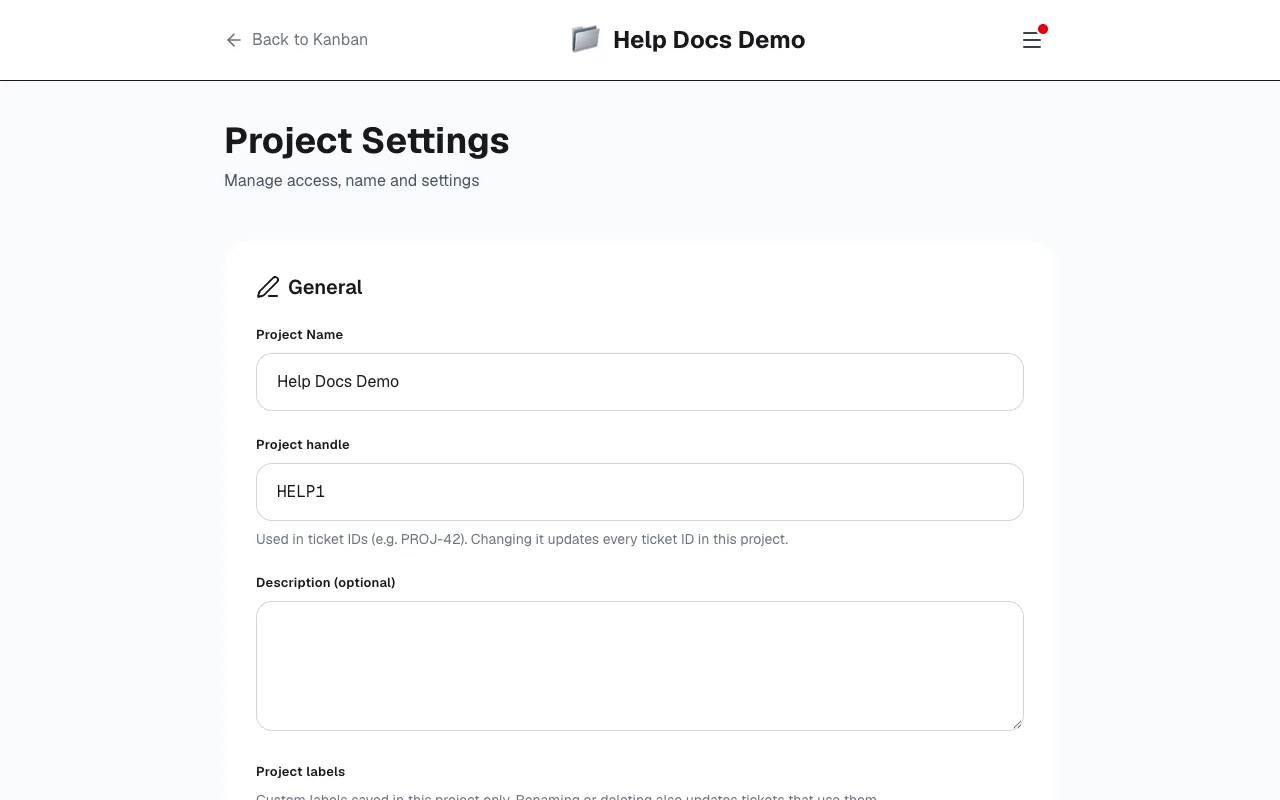
Project labels are saved in this project only. Rename or delete a label and tickets that use it update too. Labels often appear first when someone adds a new one on a ticket; you can manage colors and names in settings.
Danger zone
Deleting a project cannot be undone. All tickets, comments and shares are permanently removed. Only an owner can do this, and you must type the project name to confirm.