Agents and MCP
Last updated: October 23, 2026
Kyppo is the hub; people and agents are the spokes. Give an agent an MCP token and it works on the same tickets you see — with the same project access you already have.
Hub for people and agents
Agents do not get a parallel board. They list, search and update the tickets on your projects. Comments and attachments stay on the ticket so humans can follow the trail without reading a chat log.
MCP access tokens
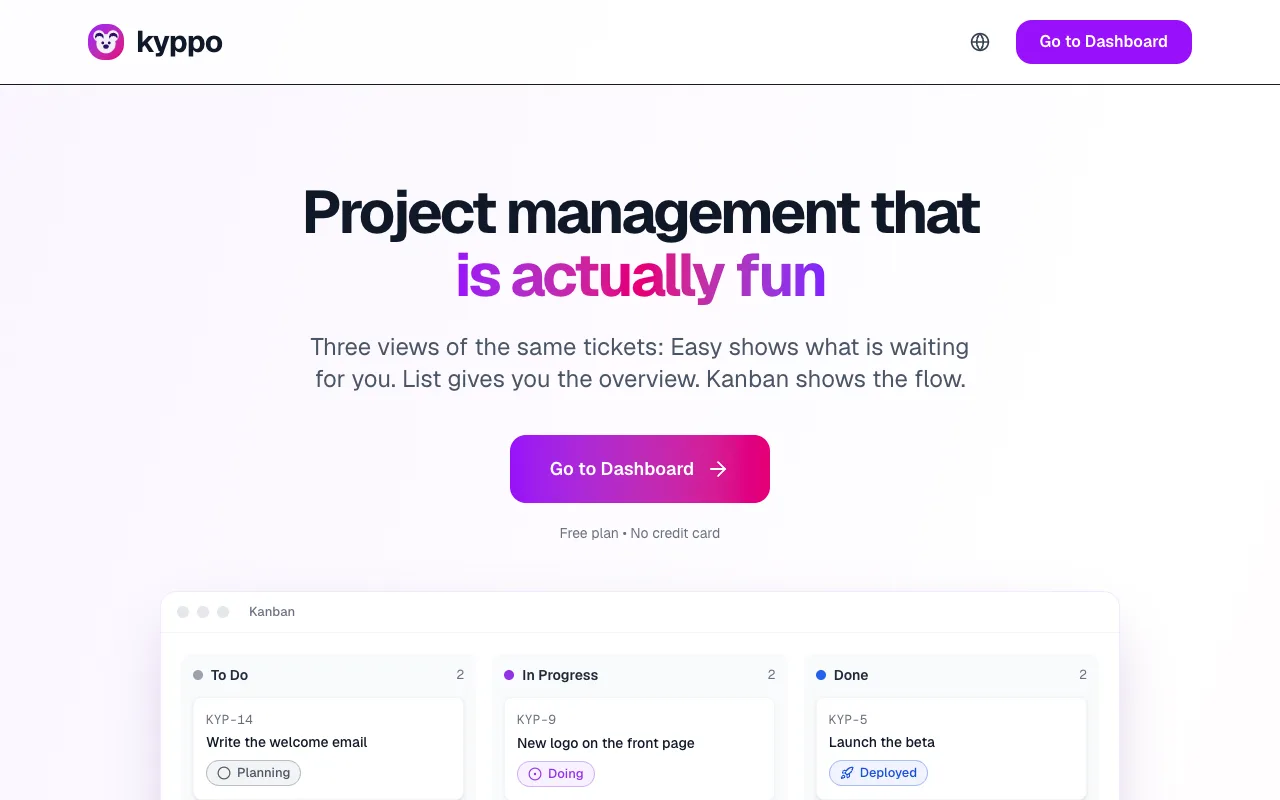
On Profile, open MCP access tokens. Give the token a name (for example your agent), pick an access level, then Create token.
- Read only: List and open projects, tickets, comments, attachments and design comps — no changes.
- Read + write: Also create and update tickets, add comments and upload attachments (within size and type limits).
Copy this token now — it is only shown once. Store it in your agent or secret store, then revoke it anytime from Profile if you rotate access. How many tokens you can create depends on your plan (Free has none; Solo and Team have a small allowance; Enterprise is effectively unlimited).
What agents can do
With a token, agents authenticate as you under the same project and ticket rules. Typical jobs:
- Find work: List projects and modes, search tickets, open by key (for example PROJ-42), or pull a full ticket bundle.
- Update work: Create or edit tickets, change status or mode, add comments, upload attachments.
- What stays in the app: Archive with accept or reject is a human step in Kyppo — agents usually do not archive via MCP. Deleting attachments is also app-only.
Endpoint
Point your MCP client at kyppo.app/mcp (or your local origin during development). Send the token as a Bearer token. The agent then discovers the tools Kyppo exposes for projects, tickets, comments and attachments.