Account
Last updated: October 23, 2026
Your account lives on /profile — who you are, how Kyppo looks, how you get notified, and how agents connect. Keep the basics filled in so teammates and invites recognize you.
Profile
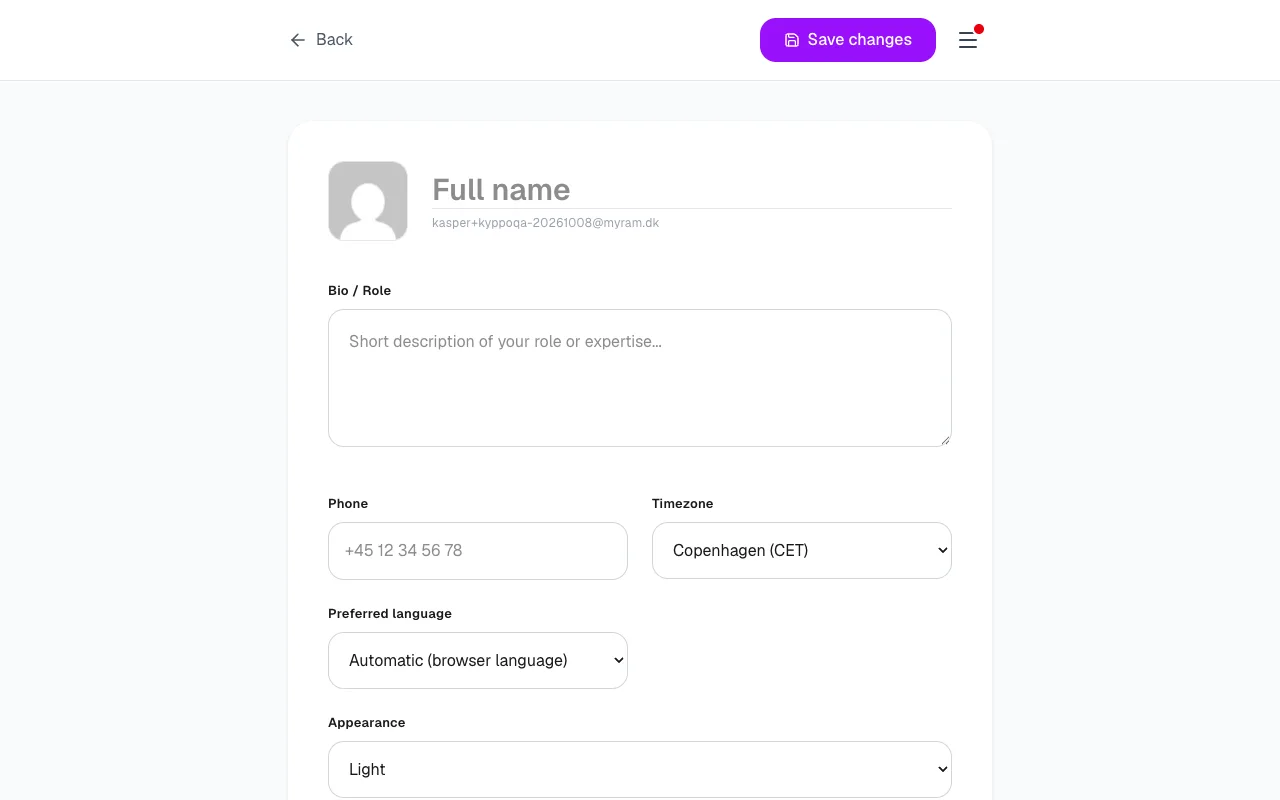
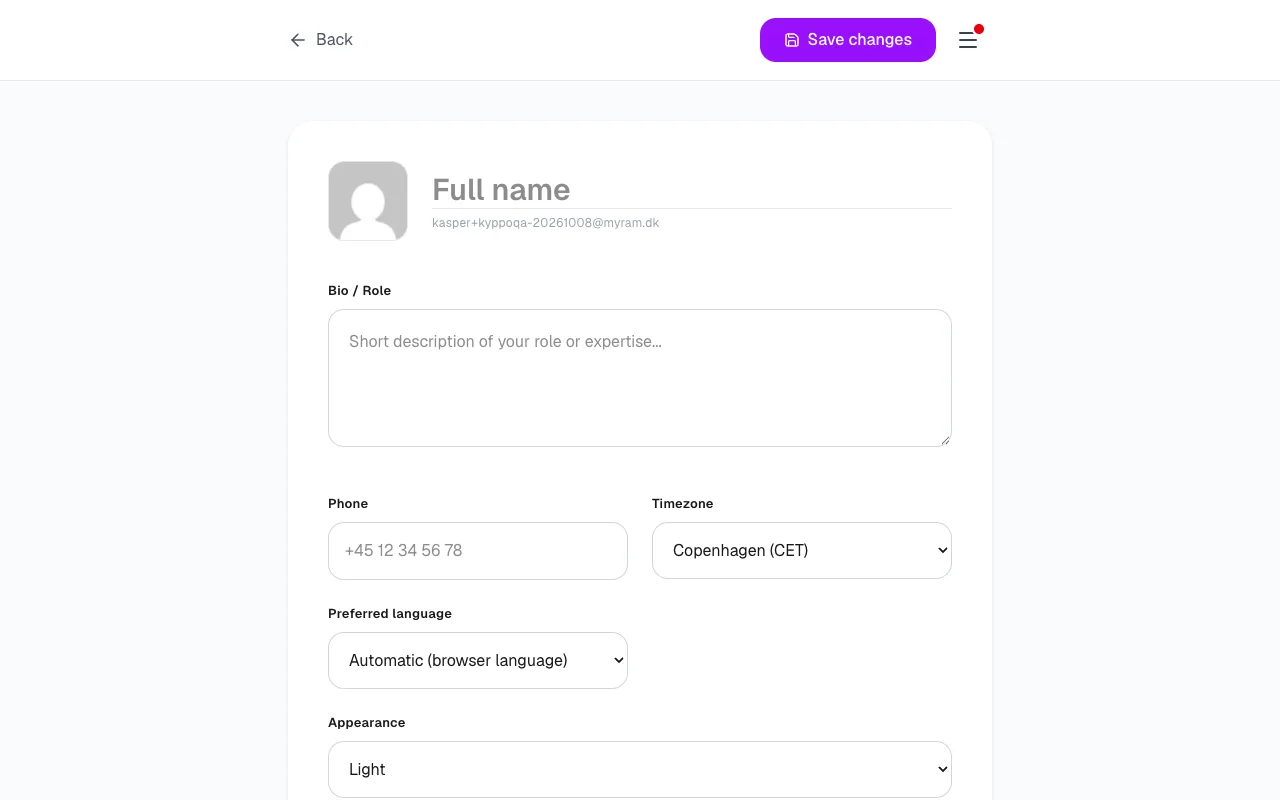
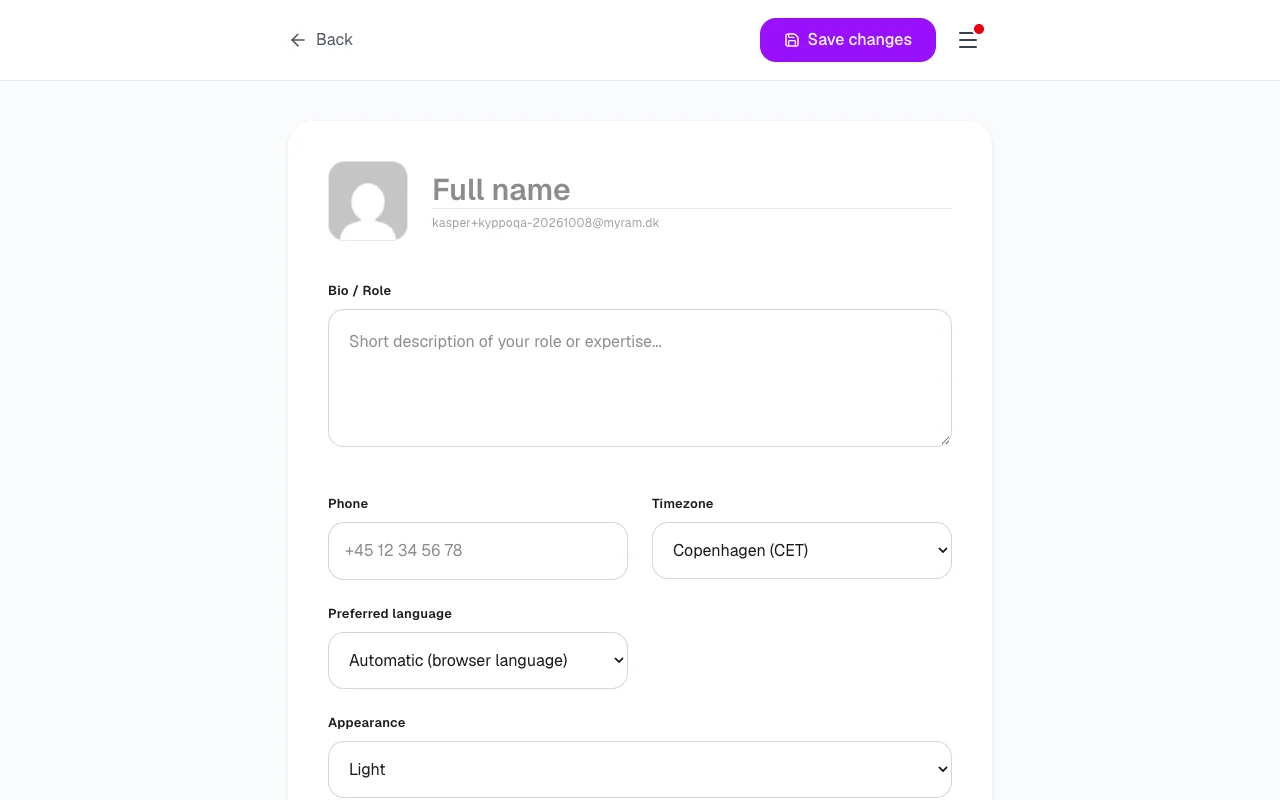
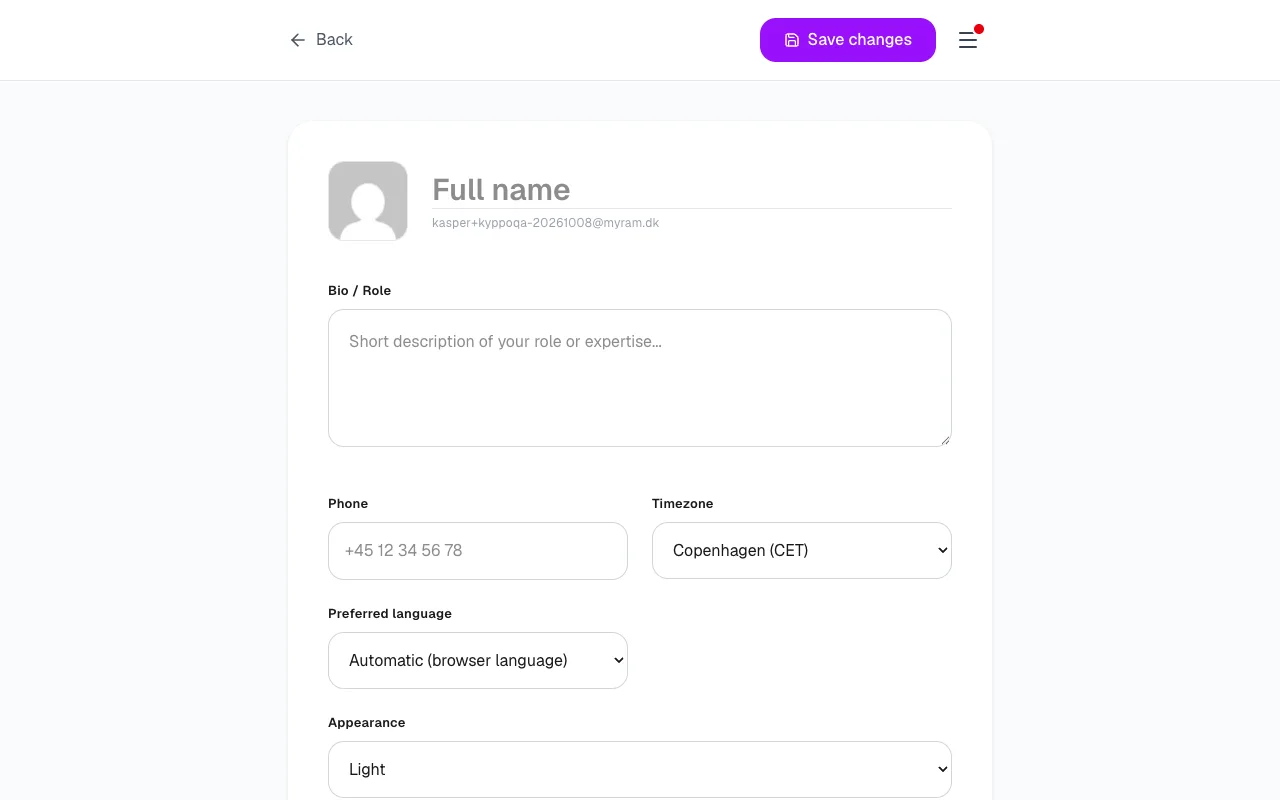
My Profile holds the people-facing details. Full name is required to save most fields. Optional: bio or role, phone, timezone (named cities), and social or IM links (LinkedIn, GitHub, X, WhatsApp, Slack). You can also add alternative emails.
Language and appearance
- Preferred language: Automatic (browser language), or pick Danish, English, Swedish or French.
- Theme: Light, Dark or System. Theme applies to signed-in pages; the public landing stays light.
Markdown toolbar
Always show the formatting toolbar keeps the Markdown tools visible on description and comment fields. Turn it off if you prefer a quieter field — expand the toolbar with the typewriter icon when you need it.
Notifications and MCP
The same Profile page holds Email and Slack delivery toggles, and MCP access tokens for agents. Details live in the Notifications and Agents and MCP guides.
Delete account
Danger Zone → Delete my account. You must not own any projects first — delete or transfer them, then try again. Pending invites are declined. Deletion is permanent.
Cookies and legal
Footer links cover Privacy Policy (/privacy), Terms of Service (/tos) and Cookie Policy (/cookies), plus cookie settings. Help and Getting started stay under /help.