Sharing
Last updated: October 23, 2026
You can invite someone into a whole project, or share just one ticket. Use the lighter option when they only need a single piece of work.
Project share vs ticket share
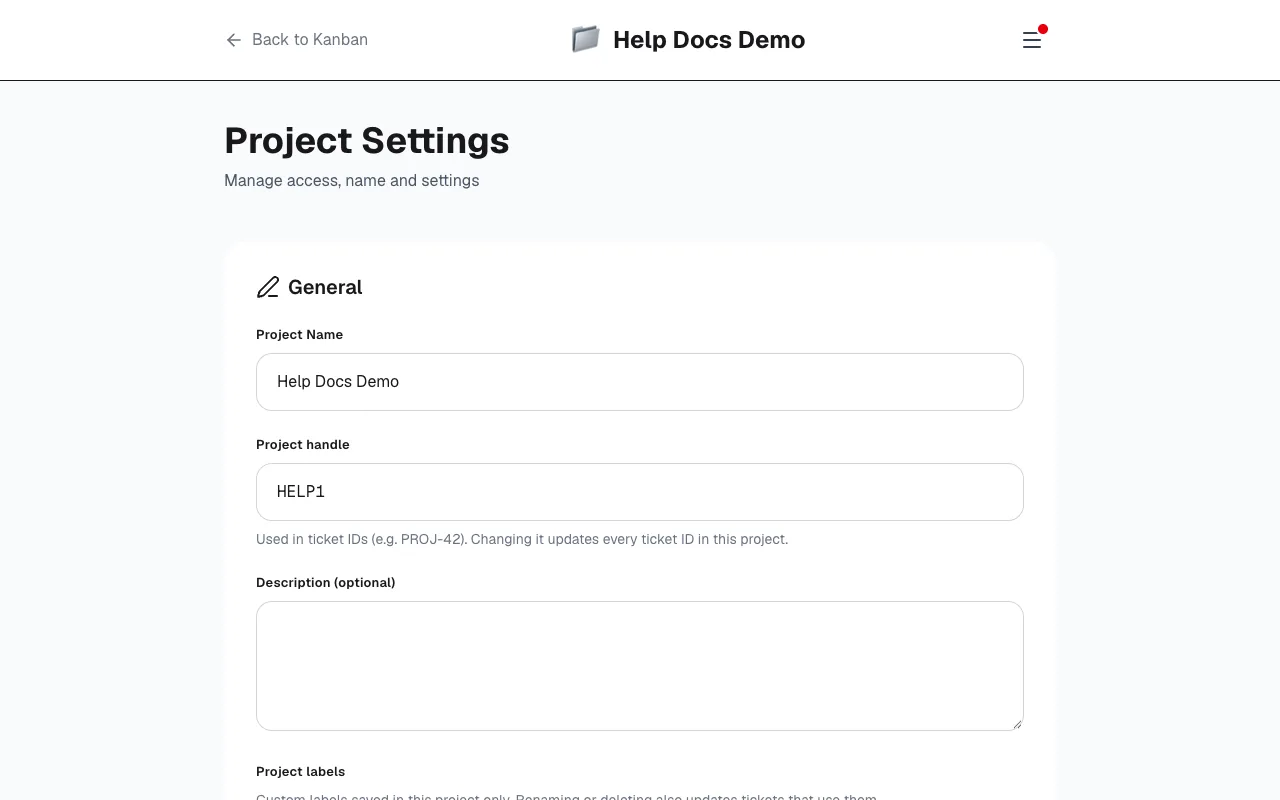
- Project share: From project settings. The person joins with a role (Owner, Lead, Member or Guest) and sees the board.
- Ticket share: From the ticket. They get access to that ticket only — useful for a reviewer, client or specialist who does not need the full project.
Editor or comment-only guest
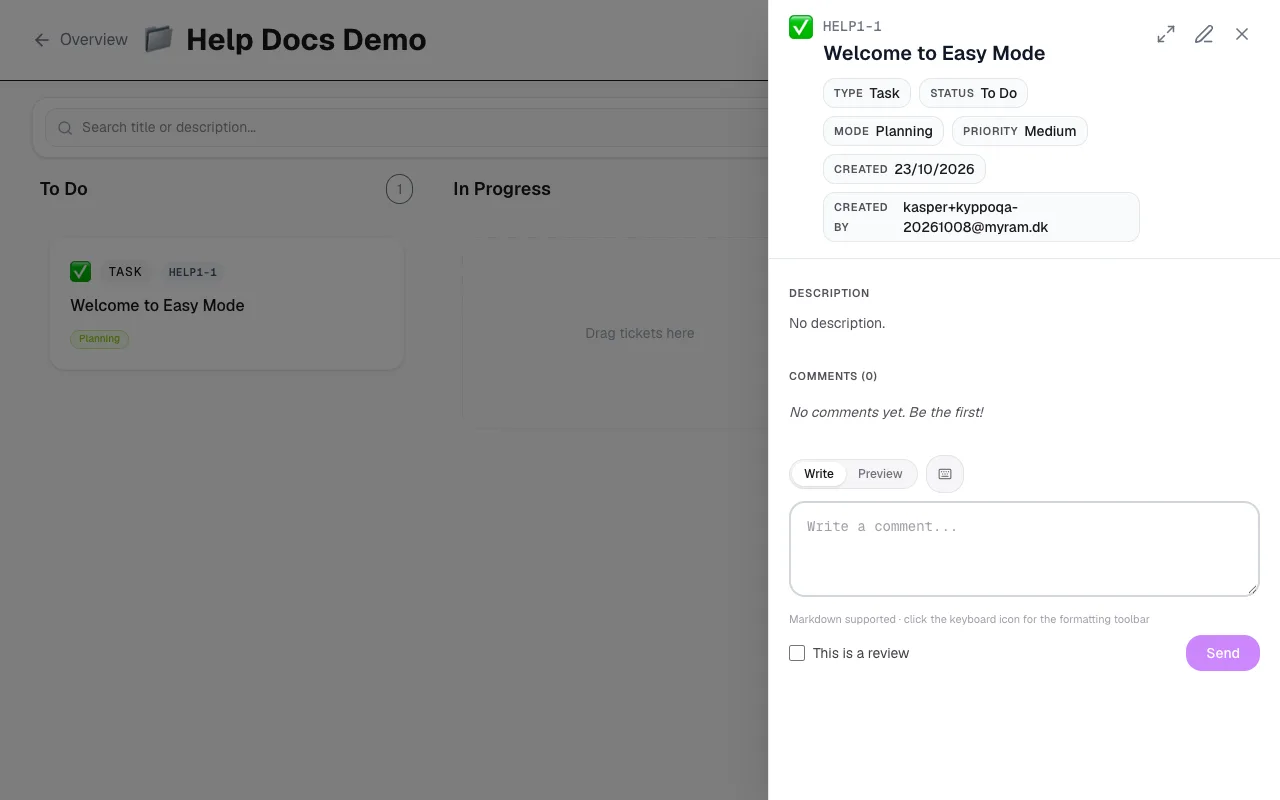
On a shared ticket you choose how much they can do:
- Edit the full ticket and comment: They can change fields and join the conversation — like a member on that one ticket.
- Comment only: They can read and leave comments — good for feedback without changing status or fields.
Where invites land
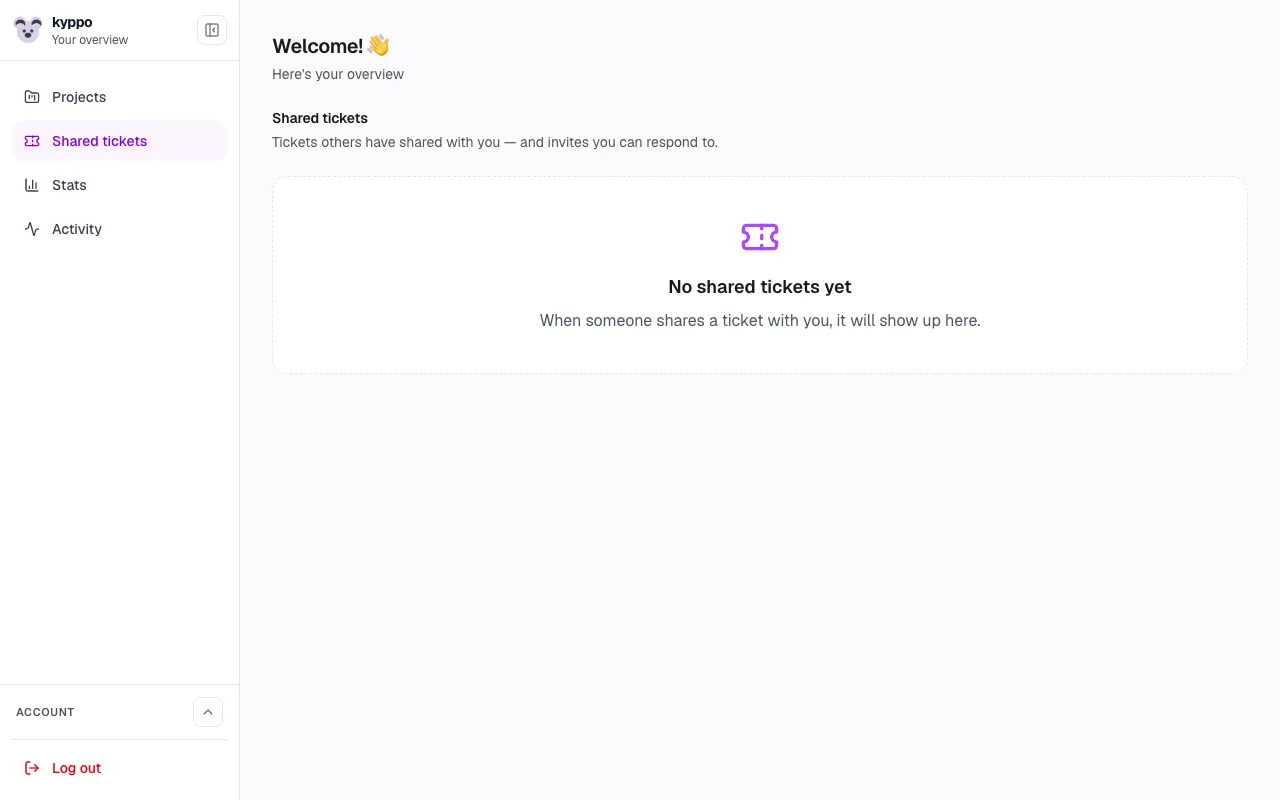
Project invites land on the project after the person accepts. Shared tickets show up on the dashboard in the shared tickets panel — including pending invites they can accept or decline. Account emails about invites go to everyone; richer notification emails about ticket activity need a paid plan with Email turned on under Profile → Notifications.